Public vs Private IP Addresses Explained
Key points
- Private addresses like 192.168.x.x identify devices inside one home network and are reused safely across millions of homes.
- Public addresses are unique across the internet and represent your whole household to every site you visit.
- NAT in your router translates between the two, letting many devices share one public address.
- A VPN replaces the public address websites see with the server's shared address. Your home network stays unchanged.
On this page
Check your laptop's network settings and you will see an address like 192.168.1.14. Visit a what-is-my-IP website and it reports something completely different. Both are real, both are yours, and they do different jobs. One works inside your home. The other represents you to the entire internet.
Understanding the split between private and public addresses explains a lot of everyday mysteries: why your printer is reachable from your laptop but not from a cafe, why every site you visit sees your whole household as one visitor, and what exactly changes when you turn on a VPN. This article walks through it in plain language.
The Two Address Spaces
An IP address is a number that identifies a device on a network so data can find its way to it. The internet's designers split addresses into two kinds with two different scopes.
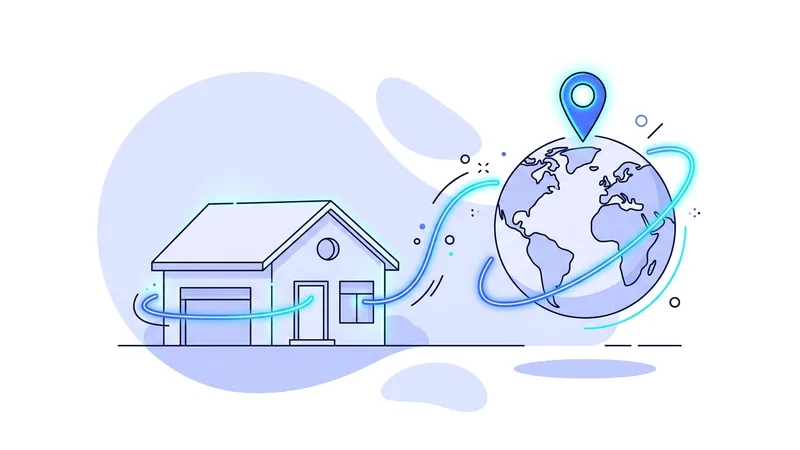
Public addresses are unique across the whole internet. Your internet provider assigns one to your home connection, and at any moment no one else in the world has that exact address. Anything with a public address can, in principle, be reached from anywhere.
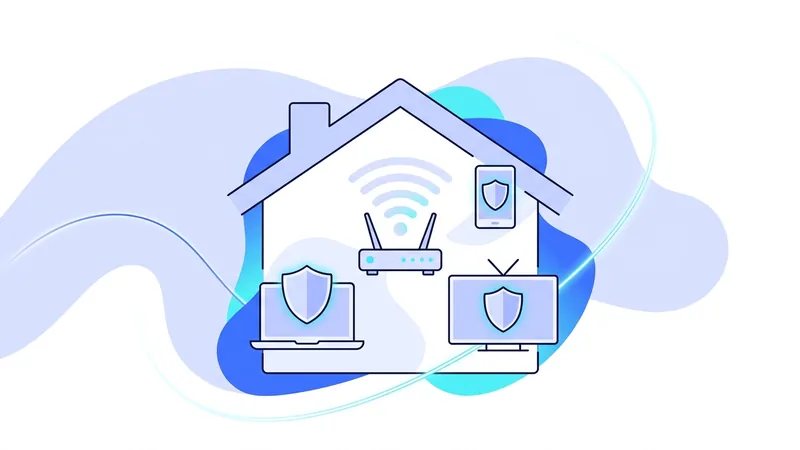
Private addresses only need to be unique within one local network. Your router hands them out to your laptop, phone, TV, and printer. Millions of homes use the same private addresses at the same time without conflict, because those addresses never appear on the public internet. Specific ranges are reserved for this:
| Private range | Example address | Where you usually see it |
|---|---|---|
| 192.168.0.0 to 192.168.255.255 | 192.168.1.14 | Home routers, the most common default |
| 10.0.0.0 to 10.255.255.255 | 10.0.0.52 | Larger networks, offices, some home gear |
| 172.16.0.0 to 172.31.255.255 | 172.16.4.9 | Business networks, virtual machines |
If an address you are looking at falls in one of those ranges, it is private. Anything else you encounter day to day is most likely public. For the broader story of what an address is and what it gives away, our explainer on what an IP address reveals picks up where this one stops.
NAT: The Translator in Your Router
Here is the puzzle: your laptop has only a private address, private addresses cannot be used on the internet, and yet your laptop browses the internet all day. The bridge is a process in your router called NAT, short for network address translation.
When your laptop sends a request to a website, the router swaps the laptop's private address for the router's own public address before sending it on, and makes a note of the swap in a table. When the reply comes back to the public address, the router checks its table and forwards the data to the right device inside. Every device in your home shares the one public address this way, and the router keeps all the conversations straight, thousands at a time.
Two everyday consequences fall out of this design:
- Websites see your household, not your device. Your laptop, your phone, and your TV all appear as the same public address. Sites separate them by other means, like cookies and logins, not by IP.
- Unrequested traffic from outside cannot reach inside. If no device asked for the incoming data, the router's table has no entry for it, and it gets dropped. This accidental firewall is one reason home devices are not directly exposed to the internet.
What Each Address Means for Privacy
Your private address is not a privacy concern in itself. It identifies your device only within your home, and websites never see it through normal browsing. One caveat: a browser feature used for video calls can expose local addresses to scripts in some configurations, a quirk we cover in our article on WebRTC leaks.
Your public address is a different story. It is visible to every site and service you connect to, and it carries real information: your rough location, usually to the city level, your internet provider's name, and a stable identifier for your household that links your visits together across time. Sites log it, ad networks use it as a tracking signal, and anyone you interact with online can see it.
It is worth keeping the limits in view too. A public IP does not reveal your name or exact street address to a random website. Linking an address to a person generally requires your internet provider's records. The privacy issue is the pattern: one stable number connecting everything your household does online.
Where a VPN Changes the Picture
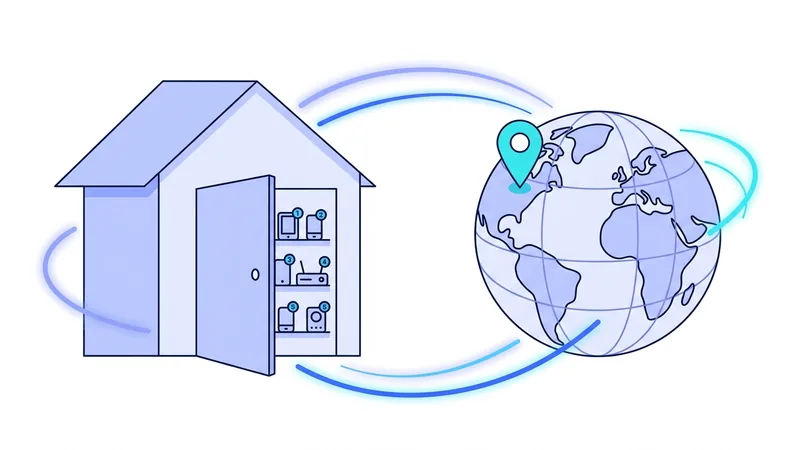
A VPN adds one more translation step, this time outside your home. With the tunnel connected, your traffic travels encrypted to a VPN server, and the server forwards it to its destination using the server's own public address. Websites now see that address instead of your router's. Your private addresses and your home NAT keep working exactly as before. Nothing inside your house changes.
The effect is that the stable household identifier disappears from the sites you visit. The VPN server's address is shared by many customers at once, so your visits blend into a crowd rather than tracing back to one connection. The mechanics of the tunnel itself are laid out in our guide to how VPNs work, and what the server does at the far end is covered in our VPN server explainer.
Be precise about what this does and does not do. Swapping your public IP removes one tracking signal and hides your location from the sites you visit. It does not remove cookies, log you out of accounts, or make you anonymous. It changes the address on the envelope, nothing inside it.
Tip: see the whole system for yourself in two minutes. Check your device's network settings for the private address, visit a what-is-my-IP site for the public one, then connect a VPN and reload the site. Watching the public address change while the private one stays put makes the entire concept concrete.
Common Questions This Clears Up
- Why can I reach my printer at home but not from elsewhere? The printer has only a private address, which does not exist outside your network.
- Why did a website block my whole family? Sites see one public address per household, so a block on the address affects every device behind it.
- Why does my public IP change sometimes? Most providers assign home addresses dynamically and rotate them occasionally. The address still identifies your connection while you hold it.
- Why does my office network feel different? Larger networks often layer several private ranges and stricter NAT, but the principle is the same translation game.
One last practical note: if you ever want VPN protection to apply to devices that cannot run apps, like TVs and consoles, the router is the place to do it, since everything behind it shares the tunnel. Our guide to running a VPN on a router covers the trade-offs. And if you just want to watch your public address change before committing to anything, the vpn.now free plan is enough to run the experiment.
CGNAT: when even your public IP is shared
You might think your home gets one public IP address all to itself. Often it does not. Because the older internet address system (IPv4) is running out of numbers, many internet providers and most mobile carriers use a second layer of NAT inside their own network. This is called carrier-grade NAT, or CGNAT. It works a lot like the NAT in your router, but on a much bigger scale. Instead of one household behind one address, the carrier puts hundreds of customers behind a single shared public IP at the same time.
So the public IP a website sees may not be just yours. It can be a number you are sharing with a crowd of strangers in your area. This adds a little natural privacy, since your traffic gets mixed in with everyone else's on that address. But it is a side effect, not real protection, and it comes with real trade-offs.
Here is what CGNAT means in everyday use:
- You usually cannot host a server from home or set up port forwarding, because you do not control the shared public address.
- Online gaming can have connection problems, like trouble joining friends or hosting a match.
- Your phone's apparent location often points to the carrier's hub city, not where you actually are.
- Some "this device is using a new connection" checks can trip, since you share an IP with many others.
Want to know if you are behind CGNAT? Check the public IP shown on your router's status page, then visit a "what is my IP" site. If the two numbers are different, your provider is almost certainly using CGNAT, and the address the world sees is one step removed from your router.
Summary
The essentials of public and private IP addresses:
- Private addresses identify devices within one local network and are reused safely across millions of homes.
- Public addresses are unique across the internet and represent your whole household to every site you visit.
- NAT in your router translates between the two, letting many devices share one public address.
- Privacy concerns attach to the public address: location, provider, and a stable identifier linking your activity.
- A VPN replaces the public address websites see with the server's shared address. Your home network is unchanged.
- Changing the address removes one tracking signal. Cookies, accounts, and fingerprinting are separate battles.
Test it yourself. Run our what is my IP tool to see your live results in seconds.