The WireGuard VPN Protocol Behind vpn.now, Explained
vpn.now runs WireGuard, one modern VPN protocol, on every server. This page explains why we run one protocol, how it compares to OpenVPN, and exactly how your keys are handled.
Why one protocol instead of two
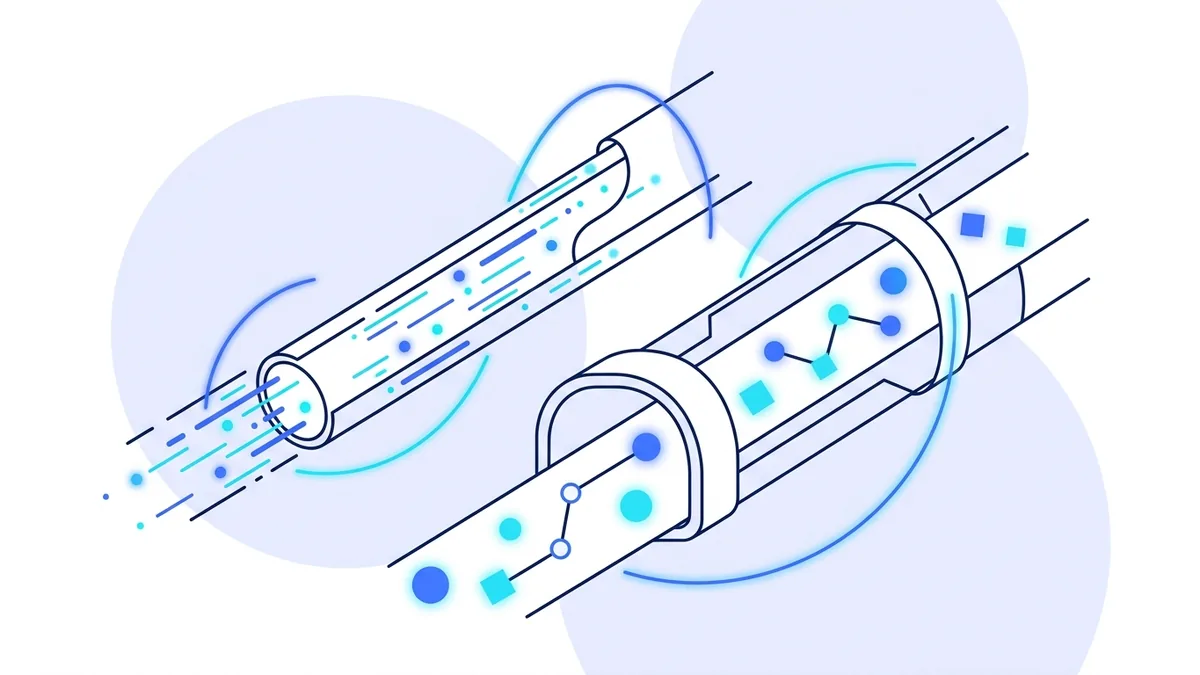
Most VPN services advertise a menu of protocols. We made a different call. Every part of vpn.now, from the gateway software that moves your packets to the way device keys are issued and revoked, is built around one modern VPN protocol. One protocol means one set of code to harden, one set of behaviors to test, and no weakest link hiding behind a settings toggle.
The protocol we run earned that position on merit. It is built on a code base of a few thousand lines, which security researchers can actually read end to end. OpenVPN, by comparison, spans hundreds of thousands of lines. Smaller is safer here: fewer places for bugs to hide and faster audits when something needs checking.
It is also simply better to use. Connections complete in under a second. Roaming works: walk out of Wi-Fi range and onto mobile data, and your tunnel keeps going without a reconnect. And on phones it uses noticeably less battery than older protocols.
Our protocol and OpenVPN, honestly compared
OpenVPN is a respected protocol with a long track record. Here is the fair comparison, including the one thing it still does better.
| Feature | Our protocol | OpenVPN |
|---|---|---|
| Encryption | ChaCha20-Poly1305 | AES-256 |
| Code base size | A few thousand lines, easier to audit | Hundreds of thousands of lines, mature |
| Connection time | Under a second | A few seconds |
| Network switching | Seamless roaming | Usually reconnects |
| Battery use on phones | Low | Higher |
| Works over TCP port 443 | No, UDP only | Yes, useful on restrictive networks |
| In the Linux kernel | Since 2020 | No, userspace |
| First released | 2016 | 2001 |
The TCP 443 row is OpenVPN's real advantage: some hotel and office networks block UDP traffic. If you hit one of those networks, contact support and we will help you find a path. You can read more about how our protocol compares to OpenVPN, and our full guide on UDP vs TCP for VPNs explains the trade-off.
How your device credentials work
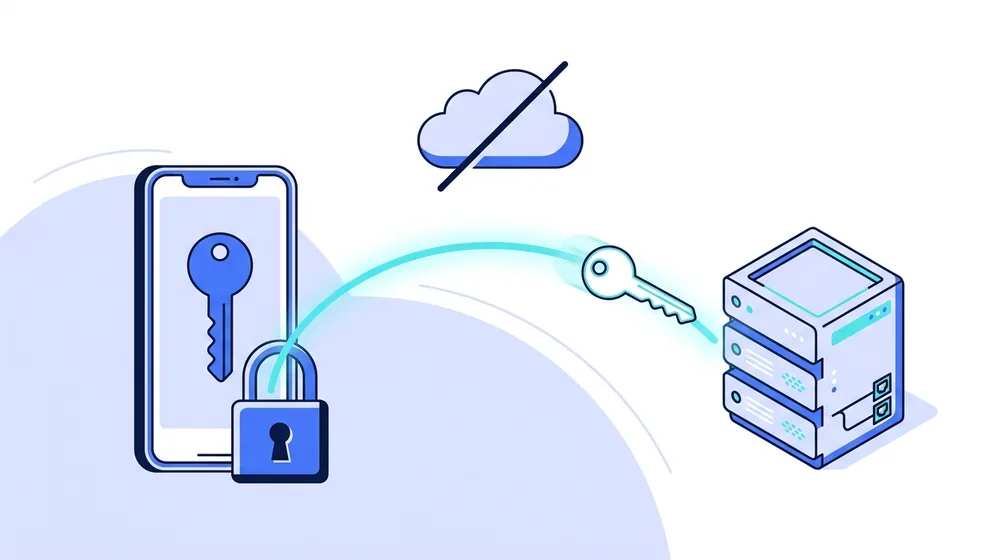
When you add a device and download a config, your private key is generated at that moment. It is embedded in the config file you download and is not kept on our servers. We store only the matching public key, which is safe to store because it cannot be used to decrypt your traffic or impersonate your device.
This means we could not hand over your private keys even if we wanted to, because we never have them. It also means you should keep your config file safe, since we cannot recover it. If you lose it, just generate a new one.
Rotating your keys
You can rotate the keys for any device at any time from the Devices page in your account dashboard. Rotation revokes the old credential, generates a fresh key pair, and gives you a new config file to import.
Rotate your keys if you think a config file was exposed, if you sell or recycle a device, or simply as routine hygiene every few months. The old key stops working within seconds of rotating, because our servers only accept keys that are currently active.
What this means for your devices
Every platform we support uses the official tunnel app or the operating system's built-in support for our protocol. There is no proprietary client to trust and no custom protocol to take on faith. You can read the same open source code that the rest of the industry reads.
Setup is the same everywhere: add a device in your dashboard, download its config file, and import it. The manual setup guide walks through every platform step by step, and our encryption guide explains what happens underneath.
Browser extensions are the one exception. Extensions cannot run a system tunnel on any VPN service, so ours uses an encrypted proxy that protects browser traffic only. The extension pages explain that limit plainly.
Protocol questions
Which protocol does vpn.now use?
vpn.now runs WireGuard, one modern VPN protocol, on every server and every device. We chose one protocol and built everything around it: key handling, our gateway software, and the apps. One well-built path beats two half-built ones.
Is the protocol secure?
Yes. It uses modern cryptography, including ChaCha20-Poly1305, and has a small code base that is easier to audit than older protocols. It has been part of the Linux kernel since 2020.
Why not OpenVPN too?
OpenVPN is a respected protocol, and we compare the two honestly on this page. We decided that supporting one protocol extremely well serves you better than splitting our engineering across two. If your network blocks our protocol, contact support and we will help.
Do I need to know any of this to use vpn.now?
No. You add a device and connect with the vpn.now app or an activation key. The protocol details are here for people who like to check our work.
One protocol, done properly
One modern protocol on every server, official apps on every device, and keys we never see.
Get started free