What Is a VPN Server and What Does It Do?
Key points
- The server decrypts your traffic and forwards it to the web under its own address.
- Hundreds of customers share each server, which blends traffic but makes load matter for speed.
- Pick the nearest city by default; distance drives the delay you feel.
- Forwarding needs no browsing records, so judge providers on policies and transparency, not server counts.
On this page
- The Server's Job, Step by Step
- One Address, Many People
- Why Location Matters So Much
- What Makes One Server Better Than Another
- The Trust Question
- Physical, Virtual, and RAM-Only Servers
- Choosing a Server in Practice
- What Server Load Means and How to Pick a Fast Server
- Summary
- Frequently asked questions
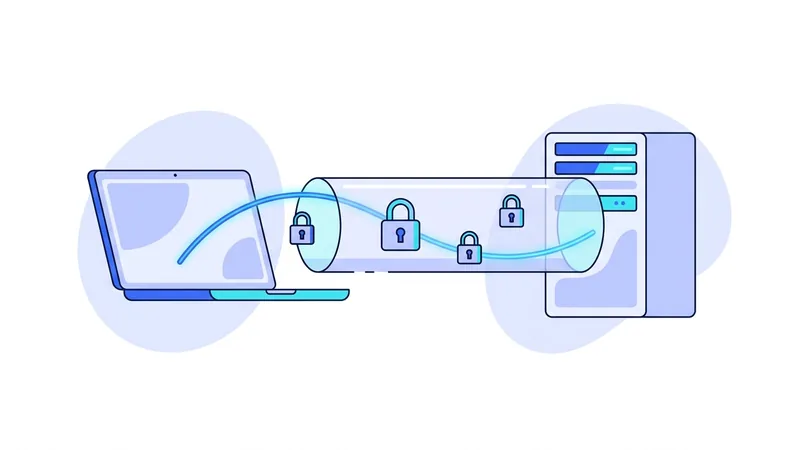
Every VPN connection has two ends. One end is the app on your device. The other end is a VPN server, a computer in a data center somewhere that receives your encrypted traffic and passes it on to the internet.
The app gets all the attention, but the server does most of the work, and the choices a provider makes about its servers shape your speed, your reliability, and how much trust the whole arrangement requires. Understanding the server side makes you a sharper judge of any VPN service.
This guide explains what a VPN server does, step by step, and what separates a good server fleet from a bad one. For the full journey of a packet from your device onward, see our walkthrough of how VPNs work.
The Server's Job, Step by Step
- Accept your connection. The server checks that your account or device keys are valid and completes the cryptographic handshake with your app.
- Receive encrypted packets. Everything your device sends arrives at the server wrapped in the tunnel's encryption.
- Decrypt and forward. The server unwraps each packet and sends it to its real destination, a website, a game server, an app's backend.
- Stand in as your address. The destination sees the server's IP address as the source. Your own address stays out of its logs.
- Relay the replies. Responses come back to the server, get encrypted into the tunnel, and travel back to your device.
All of this happens live, packet by packet, like a switchboard connecting calls. Forwarding traffic is an in-memory job. It does not require writing your browsing to disk, which is exactly why what a provider chooses to record is a policy decision rather than a technical necessity.
One Address, Many People
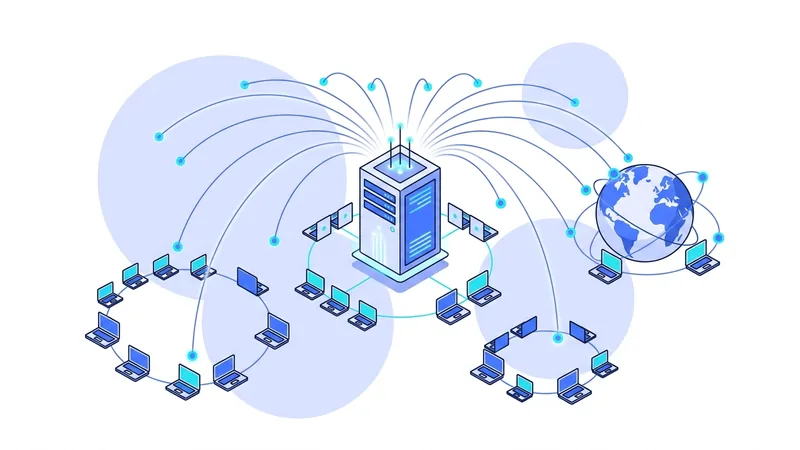
A single VPN server typically carries hundreds of customers at once, all appearing to the internet from the same address or a small pool of addresses. That sharing is a feature. Your traffic blends into a crowd, which makes the address a weak signal for identifying any one person.
Sharing has a cost too. A server's bandwidth is split among everyone on it, so a crowded server at peak time feels slow for everybody. Good providers monitor load and add capacity before it hurts. You can check live load on our server list before you connect, which beats guessing.
Load also moves on a daily rhythm. Evenings in a server's local region are the busy hours, when everyone streams and browses at once. A server that feels slow at nine in the evening may be quick at nine in the morning. Before blaming the service, try the same server at a different hour, or a sibling server in the same city, and compare.
Why Location Matters So Much
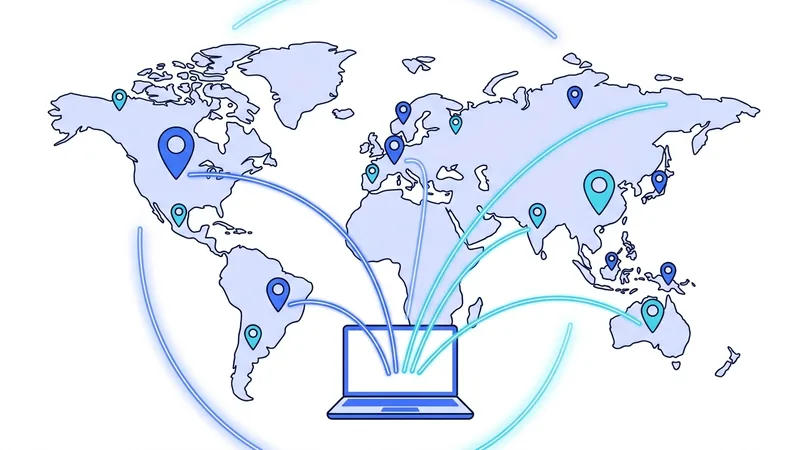
Data travels fast, but not instantly. Every kilometer between you and the server adds delay, and that delay applies to every round trip your apps make. A server in your own region usually feels indistinguishable from no VPN at all. A server across an ocean adds lag you can feel, especially in video calls and games.
Location has a second effect: websites estimate your location from the server's address. Connect through another country and the web treats you as being there, with prices in that currency and search results in that language. Sometimes that is the goal. Often it is just a surprise.
The practical rule is simple. Default to the nearest city, and pick distant locations only on purpose. Our server location guide covers the exceptions, like routing around a poor network path.
What Makes One Server Better Than Another
| Factor | Why it matters | What good looks like |
|---|---|---|
| Distance from you | Drives delay on every request | A location in or near your region |
| Load | Crowded servers split bandwidth thin | Published load levels, spare capacity |
| Network quality | Data center connectivity sets the ceiling | Well connected facilities, generous bandwidth |
| Protocol support | You should not trade location for protocol | A modern protocol and OpenVPN on every server |
| How it is operated | Decides what could be recorded or seized | Clear policies, minimal retained data |
The Trust Question
Here is the part marketing tends to rush past. Because the server decrypts your tunnel traffic to forward it, the company running that server holds a position of trust. Traffic to HTTPS websites stays encrypted between your browser and the site itself, so the server sees where it is going rather than reading the contents. Still, destinations and timing are sensitive information.
You cannot verify a server's behavior from the outside, so you have to judge the operator. Look for policies written in plain language, independent audits, and a public record of how the company handles legal requests. Our guide to reading VPN logging policies shows how to separate evidence from slogans. We publish our own practices and request history on the vpn.now transparency page so you can check rather than take our word.
Tip: when comparing providers, ignore the raw server count in ads. Three thousand crowded servers serve you worse than three hundred well run ones. Load, locations near you, and operating practices tell you far more than a big number.
Physical, Virtual, and RAM-Only Servers
Not all servers are the same kind of machine. Some are physical computers the provider controls top to bottom. Others are virtual servers rented from hosting companies, which can be fine but adds another party to the picture. Some providers run servers that operate entirely in memory, so a reboot wipes everything on them. That design limits what could ever accumulate on the machine.
A related detail worth checking is whether a location is physically where it claims to be. Some providers advertise a country but serve it from hardware elsewhere, using address tricks. That affects your real-world latency, so honest labeling matters. A provider that is clear about which locations are physical and which are virtual is showing you the kind of honesty you want from a company in this position.
Choosing a Server in Practice
Day to day, this is easy. Let the app pick, or choose the nearest city yourself. If speeds sag at peak hours, try the next closest location or another server in the same city. If a particular site behaves oddly, a different server often resolves it, since sites treat addresses differently.
How many locations you need depends on your life, not on the biggest number in an ad. Someone who travels needs coverage where they go. Someone at home mostly needs one good nearby city. You can compare what each vpn.now plan includes on our pricing page and match it to how you actually use the internet.
What Server Load Means and How to Pick a Fast Server
Server load is just a way of saying how busy a server is right now. Every person who connects to the same server shares its power and its internet line. When only a few people are on it, there is plenty to go around and things feel quick. When a crowd is on it at the same time, everyone splits the same space, and the server can feel slow even if it sits in the city next to you. So a close server is not always the fast choice. A busy one nearby can lag behind a quieter one a bit farther away.
Load is not fixed. It rises and falls during the day. A server that is wide open in the morning can be packed after dinner when more people get home and log on. The best pick can change from one hour to the next, which is why the server that felt great yesterday might feel sluggish tonight.
Here is a simple way to choose for everyday speed:
- Start with a server close to you, since shorter distance usually means less delay.
- Among the nearby options, pick one that is lightly loaded rather than the most crowded.
- If your usual server feels slow, try another one or switch at a different time of day.
- Lean on a provider that shows live load or auto-picks a good server, so you are not guessing.
Keep in mind that no single thing sets your speed. Distance, server load, and your own home connection all add up together. With vpn.now, watching load and choosing wisely gives you the best shot at a smooth, fast connection most of the time.
Summary
What to remember about VPN servers:
- The server is the other end of your tunnel. It decrypts your traffic and forwards it under its own address.
- Forwarding is a live job. What a provider records beyond it is policy, not necessity.
- Many customers share each server, which blends traffic but makes load management matter.
- Distance drives delay. Default to the nearest city unless you have a reason not to.
- Judge providers on operating practices and transparency, not on server counts.
- HTTPS keeps site content encrypted past the server, but destinations are still sensitive, so trust carefully.