Download vpn.now for Windows
A native Windows app with one-click connect, built on a modern VPN protocol. Works on Windows 10 and 11.
51.1 MB · works with your free vpn.now account.
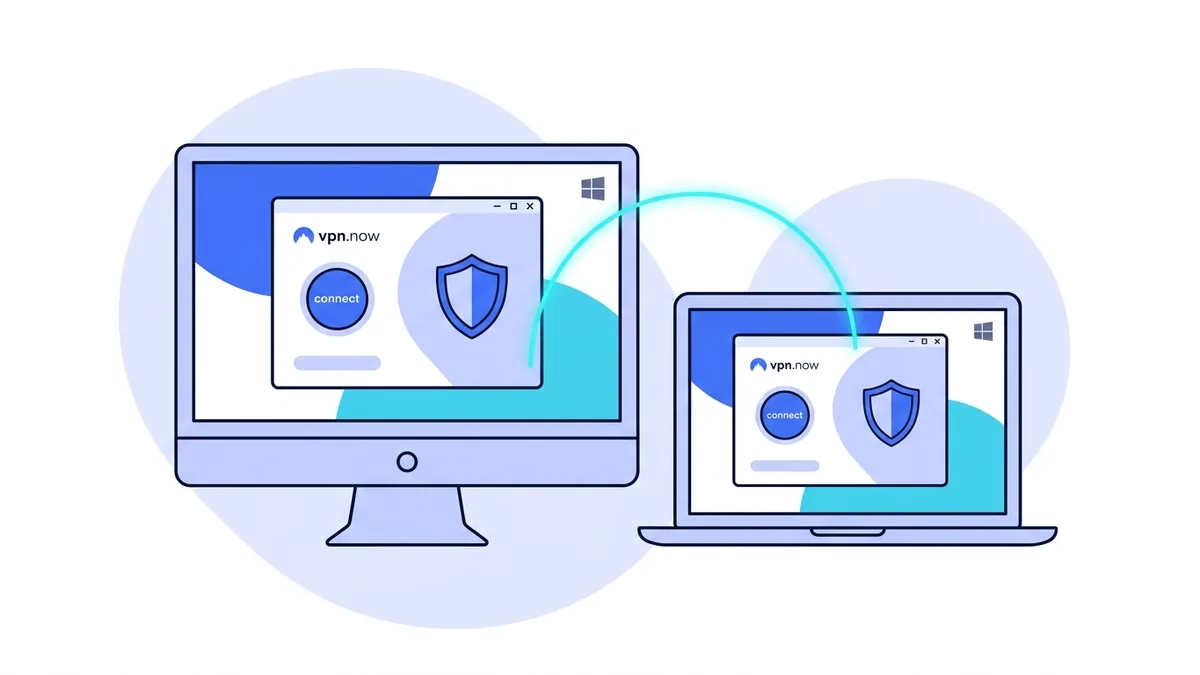
Installing on Windows, step by step
The installer bundles everything the app needs, including the tunnel component, so there is nothing else to chase down. Here is the whole path from download to a protected connection.
-
Run the installer
Open the file you downloaded. Windows SmartScreen may ask you to confirm; because the release is code signed, you will see vpn.now named as the publisher. Approve it and the app installs in a few seconds.
-
Sign in
Launch vpn.now and enter your account email and password. Do not have an account yet? You can create a free one in under a minute, no card needed.
-
Allow the one-time tunnel setup
The first time you connect, Windows asks for permission to add the VPN tunnel service. This is expected and happens once. The app uses no special access beyond managing that tunnel.
-
Press connect
Click the round power button. The app selects the fastest server and protects your connection. The button turns green when you are protected.
What makes the Windows app different
This is a real Windows desktop app, not a wrapper around a web page. It runs our VPN protocol with modern ChaCha20-Poly1305 encryption, reconnects cleanly when you move between Wi-Fi and Ethernet, and stays light on resources in the background.
Your private key is generated on your PC and never leaves it. We store only the matching public key, so even we cannot impersonate your device. You can rotate keys any time from your dashboard.
System requirements
| Windows 10 or Windows 11 (64-bit). |
| Administrator rights the first time you connect, to set up the tunnel. |
Prefer to configure things by hand? Follow the Windows VPN setup guide or the full manual setup guide.
What our protocol gives you on Windows
The tunnel is built on one modern VPN protocol, and that choice shows up in daily use.
Quick to connect
The protocol we run is small and modern, so the app connects in a second or two. There is no long handshake to sit through. When you press connect, you are protected almost right away.
Roams with you
Move a laptop from Wi-Fi to a wired Ethernet dock and the tunnel stays up. Our protocol tracks the session, not the network, so it reconnects on its own without dropping your apps.
Light in the background
The tunnel uses little processor time and little memory when it is idle. On a laptop that helps battery life. You can leave it on all day and barely notice it running.
Want the technical side? Read about our VPN protocols or the full VPN for Windows guide.
Troubleshooting your first connection
Three prompts you may see the first time, and what each one means.
Windows SmartScreen showed a blue prompt
This is normal for a fresh download. Because the release is code signed, the prompt names vpn.now as the publisher. Choose More info, then Run anyway, and the installer continues. If the prompt does not name vpn.now, you may have an unofficial copy, so download again from this page.
It asked for permission the first time I connected
Windows asks once to add the VPN tunnel service. You approve it a single time, then future connects need no prompt. The app uses no access beyond managing that tunnel. It does not change other system settings.
My firewall or security tool flagged the app
Some security tools ask before letting a new app reach the network. Allow vpn.now through, or add it to the allowed list. The tunnel needs outbound access to reach our servers. If a connection still fails, check that your network does not block UDP, which our protocol uses.
Still stuck? Our manual setup guide covers the official Windows client as a fallback.
Verify your download
Every official build ships with its SHA-256 checksum. Matching the hash of your file against the value below confirms you have the genuine, untampered build and not a repackaged copy from anywhere else.
Check it with shasum -a 256 vpn.now-windows.exe on macOS or Linux, or certutil -hashfile vpn.now-windows.exe SHA256 on Windows.
Windows questions
Is the app safe to install?
Yes. Always download it from this page and check that the SHA-256 shown below matches your file. This early build is not code signed yet, so Windows SmartScreen may warn you about a new app; that is expected until signing is in place.
Why does it ask for administrator rights?
Setting up a VPN tunnel on Windows needs elevated rights once, to install the tunnel service. The app itself holds no special access beyond that.
Do I need anything else installed?
No. The download includes everything the app needs to bring up the tunnel. Just unzip it and run vpn.now.exe.
vpn.now on your other devices
One account covers them all.
See every option on the vpn.now apps overview, or set up by hand with the manual setup guide.