VPN Port Forwarding Explained
Key points
- Port forwarding opens a chosen port on the VPN server and routes incoming traffic to your device.
- People want it for peer-to-peer transfers, hosting a service, and remote access.
- An open port exposes the service behind it, so keep that service patched and close it when done.
- Most people never need it; it is a connectivity feature, not a privacy upgrade.
On this page
Most of what you do online starts from your side. You open a page, the request goes out, and the answer comes back. Your VPN handles that outgoing pattern without any special setup. But some uses need the opposite: a connection that starts from the outside and reaches your device. That is where port forwarding comes in, and it is one of the more misunderstood VPN features.
This guide explains what VPN port forwarding does, why certain people want it, and the security tradeoffs you should weigh before turning it on. We will be honest that most people never need it, and that an open port is a real responsibility.
To follow along, it helps to know how addresses work. Our explainer on what an IP address is gives you the background on ports and addresses.
Ports in Plain Terms
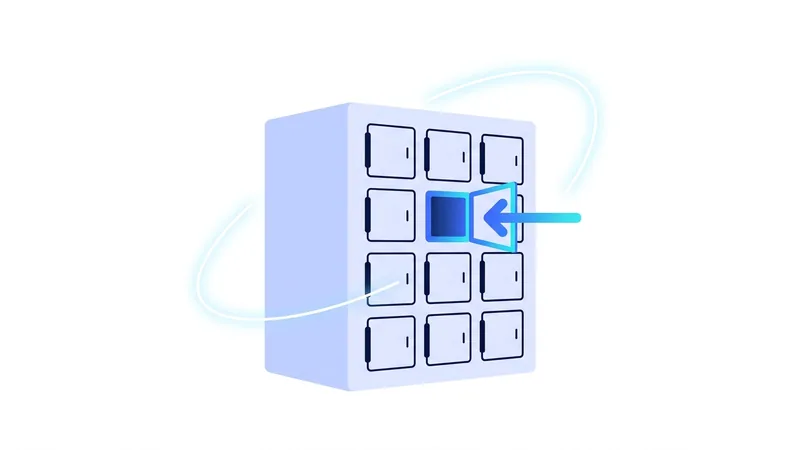
An IP address gets traffic to the right device. A port gets it to the right program on that device. Think of the address as a building and the ports as numbered doors. Web traffic uses one door, email another, a game server yet another. A device has many ports, and most stay closed unless something is listening behind them.
By default, connections you start reach out from your device, and the replies find their way back automatically. Trouble appears when something outside wants to start the connection, because there is normally no open door waiting for it.
What Port Forwarding Does
When you use a VPN, your device sits behind the VPN server. Outside connections that try to reach you arrive at the server first, and by default the server has no instructions to pass them on, so they are dropped. That is fine for browsing but blocks anything that depends on incoming connections.
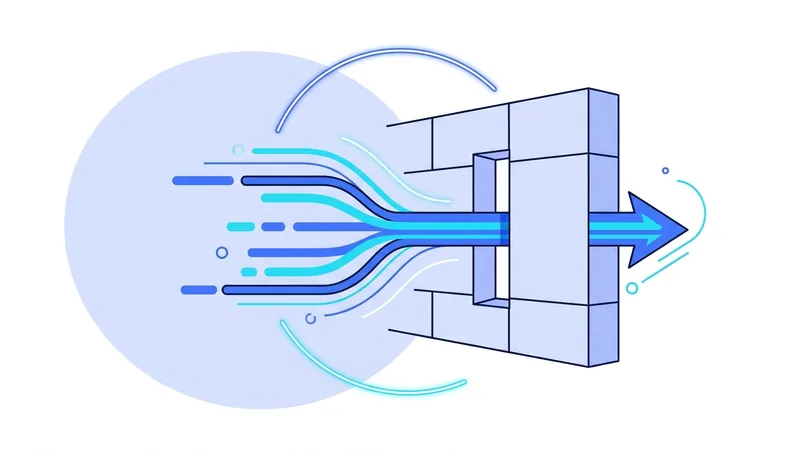
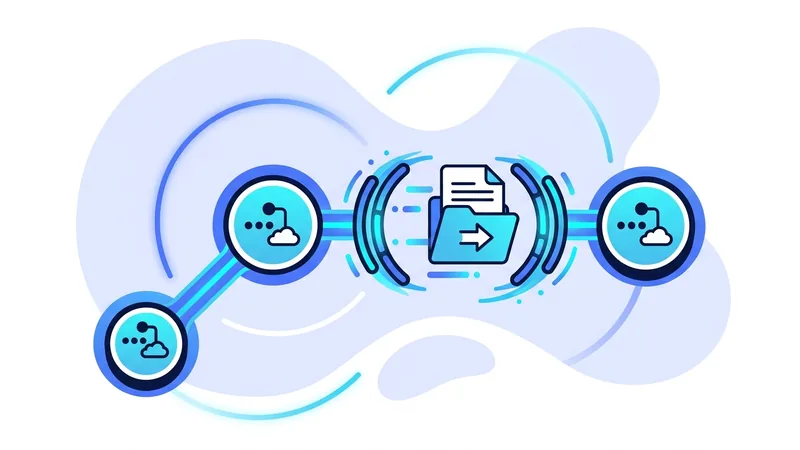
Port forwarding changes that for one specific door. It opens a chosen port on the VPN server and tells the server to route any incoming traffic on that port through the tunnel to your device. Now an outside connection on that port can reach you, even though you are still behind the VPN.
In short, port forwarding creates a deliberate path inward. It is the exception you set up on purpose, for the narrow case where you actually want the outside world to reach a service running on your machine.
Why People Want It
Port forwarding solves a handful of specific problems. If none of these are yours, you can skip the feature entirely.
- Peer-to-peer transfers. Some peer-to-peer protocols work better, or only work well, when other peers can open connections to you. Without an open port, you may only be able to reach out, which slows transfers.
- Hosting a service. Running a small game server, a personal web service, or anything others connect to needs an open door for them to arrive through.
- Remote access. Reaching a device at home from elsewhere, or letting a tool connect back to you, depends on an incoming path. This overlaps with the stable-address benefit of a dedicated IP.
All three share the same shape: something on the outside needs to start the connection. That is the only situation port forwarding addresses.
The Security Tradeoff
Here is the part to take seriously. Every open port is a door, and a door can be knocked on by anyone who finds it. As long as the door is closed, the wider internet cannot reach the program behind it. Open it, and whatever service is listening there becomes reachable from outside.
That is not automatically dangerous, but it shifts responsibility onto you. A well secured, fully updated service behind an open port is usually fine. A forgotten, outdated, or misconfigured one becomes an easy target. The risk is not the port itself but what is sitting behind it.
| Without port forwarding | With port forwarding |
|---|---|
| Incoming connections are blocked at the server | One chosen port accepts incoming connections |
| Nothing on your device is reachable from outside | The service on that port is reachable from outside |
| Less to secure | You must keep that service patched and locked down |
| Fine for browsing, streaming, apps | Needed for P2P, hosting, remote access |
Tip: forward only the single port a task needs, and close it when the task is done. An open door you forgot about is the one most likely to cause trouble later.
Port Forwarding and Your Privacy
There is a subtle privacy angle worth naming. An open, forwarded port can sometimes make your connection a little easier to distinguish, since it accepts incoming traffic that a normal client would not. For most people this is a minor concern next to the practical benefit, but it is a reason not to leave forwarding on when you are not using it.
It also does not change the usual limits of a VPN. Forwarding a port does nothing about cookies, logins, or browser fingerprinting, all covered in our VPN security guide. It is a connectivity feature, not a privacy upgrade, and treating it as the latter would be a mistake.
Our Honest Stance
Most of our users never need port forwarding. Everyday browsing, streaming, calls, and apps all rely on outgoing connections that work without it. The feature matters for a specific minority doing peer-to-peer transfers, hosting, or remote access, and for those people it is genuinely useful.
Because an open port is a responsibility, we think it should be a deliberate choice rather than a default, paired with the reminder to secure whatever sits behind it. If you only need the protection a VPN gives to your normal traffic, you lose nothing by leaving port forwarding off. You can start with our free VPN plan for that everyday protection and decide later whether your use case ever calls for an open door.
How to Tell if You Even Need Port Forwarding
Before you spend time on port forwarding, it helps to ask one simple question: does anything on your computer need to receive incoming connections from the outside world? That is the only situation where port forwarding matters. Most people never run into it, so do not assume you are missing out.
Port forwarding mainly helps when a device on your home network needs to accept connections that other people start. Common examples include:
- Hosting your own game server that friends connect to.
- Running a home server you want to reach while you are away.
- Improving connectability and seeding in peer-to-peer file sharing.
Everyday tasks do not need it. Normal web browsing, streaming video, and using apps that you open and start yourself all work fine without port forwarding. In those cases your device starts the connection, so the reply already knows how to find its way back to you.
There is also a catch many people miss. A lot of internet providers, and most mobile carriers, use something called carrier-grade NAT, or CGNAT. This puts you behind a shared public address with other customers, which means you often cannot port forward from home even without vpn.now in the picture. To check, look at your NAT type. Game consoles report it as Open, Moderate, or Strict, and a Strict or Type 3 result often points to CGNAT or a tight router setup. The takeaway is simple: first confirm you really need incoming connections, then check your NAT type, before you go chasing port forwarding.
Summary
- A port is a numbered door to a program; most stay closed, and outgoing connections work without any of them open.
- Port forwarding opens one chosen port on the VPN server and routes incoming traffic through the tunnel to your device.
- People want it for peer-to-peer transfers, hosting a service, and remote access, all of which need incoming connections.
- The tradeoff is that an open port exposes the service behind it, so keep that service patched and close the port when done.
- Most people never need it, and it is a connectivity feature, not a privacy upgrade.