vpn.now extension for Firefox
A lightweight add-on that protects traffic inside Firefox. Think of it as an encrypted proxy for the browser, not a system-wide VPN.
Create a free account and we will email you when the app lands.
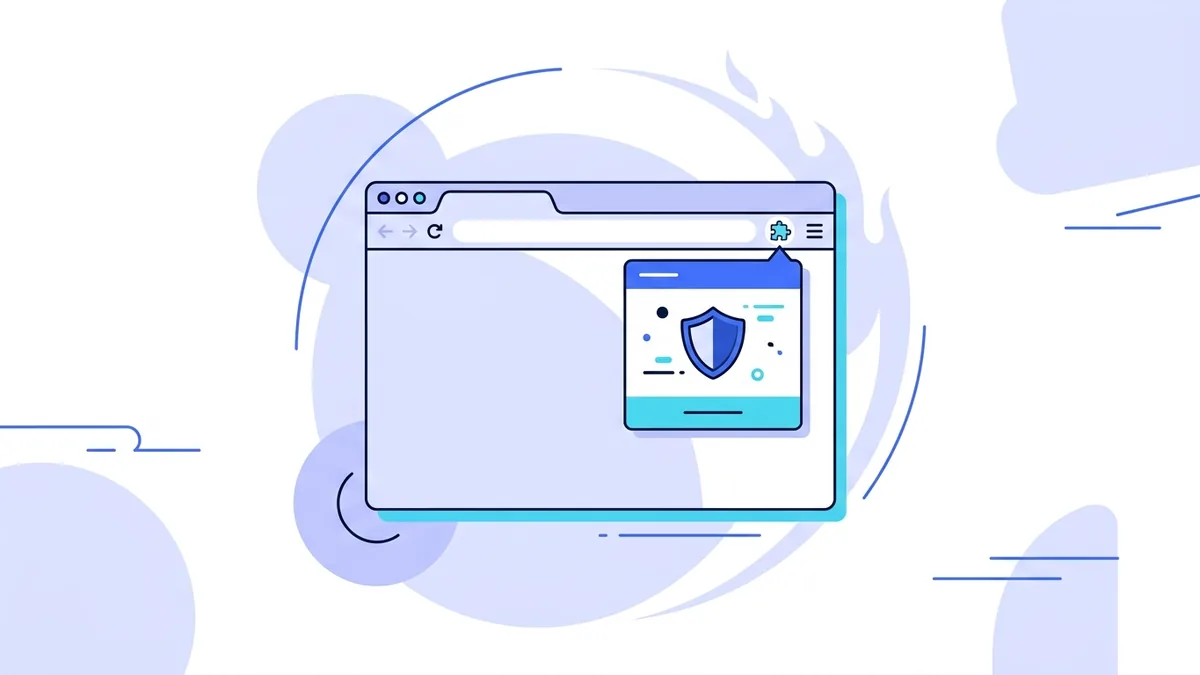
A lightweight add-on for Firefox
The vpn.now add-on protects traffic inside Firefox. Turn it on and your browsing routes through an encrypted connection to a vpn.now server, so the sites you visit see our address rather than yours. It is the quickest way to add privacy to a browser session without setting up anything system-wide.
It protects Firefox, and only Firefox. Other apps on your computer keep using their normal connection. This is true of every browser VPN add-on, ours included, because a browser cannot hand an add-on a full device tunnel. When you want every app covered, use the desktop app for your platform.
Set up in under a minute
- Install vpn.now from Firefox Add-ons and pin it to the toolbar.
- Open the add-on and sign in. The free plan works.
- Choose a location and turn it on.
How it compares to the desktop app
| Firefox add-on | Desktop app | |
|---|---|---|
| Protects | Firefox only | Your whole device |
| Technology | Encrypted browser proxy | Full device VPN tunnel |
| Setup | One click in the browser | Install and connect |
| Best for | Quick browsing privacy | Everyday protection |
New to the difference? Read what your ISP can see.
What the add-on does and does not see
We want to be honest about what a browser add-on can and cannot do for your privacy.
What it does
- Hides your IP address from the sites you open in Firefox
- Encrypts your Firefox traffic to a vpn.now server
- Lets you appear to browse from another location
What it does not do
- It does not make you anonymous. Sites can still use cookies and accounts
- If you log in to a site, that login still identifies you
- It does not protect apps outside Firefox, only the browser
A VPN hides your IP, but it is one layer, not a cloak. See how we think about this on our transparency page.
Setup tips for Firefox
A few small touches make the add-on easier to live with day to day.
- Pin the add-on to your toolbar so the on and off switch is one click away. Open the puzzle-piece menu and select the pin next to vpn.now.
- It works in private windows, but Firefox blocks add-ons there by default. Turn it on for private windows from the Add-ons page if you want it active while browsing privately.
- If you use Firefox Containers, the add-on still protects all of them, since it covers the whole browser. Containers keep your logins separate, the add-on handles the encrypted path.
Want every app covered, not just Firefox? Install the macOS app, the Windows app, or the Linux build. The free plan works with all of them.
Firefox add-on questions
Does it cover apps outside Firefox?
No. The add-on protects only Firefox traffic. Use the desktop app to protect your whole device.
How is this different from the desktop app?
The desktop app builds a real system tunnel for the whole device. The add-on is a browser-only encrypted proxy: lighter, but narrower in what it protects.
VPN for Firefox details · Download the desktop app · What your ISP can see
Cover the rest of your devices
See every option on the vpn.now apps overview, or set up by hand with the manual setup guide.