vpn.now extension for Chrome
A lightweight extension that protects traffic inside Chrome. It works as an encrypted proxy for the browser, not a tunnel for your whole computer.
Create a free account and we will email you when the app lands.
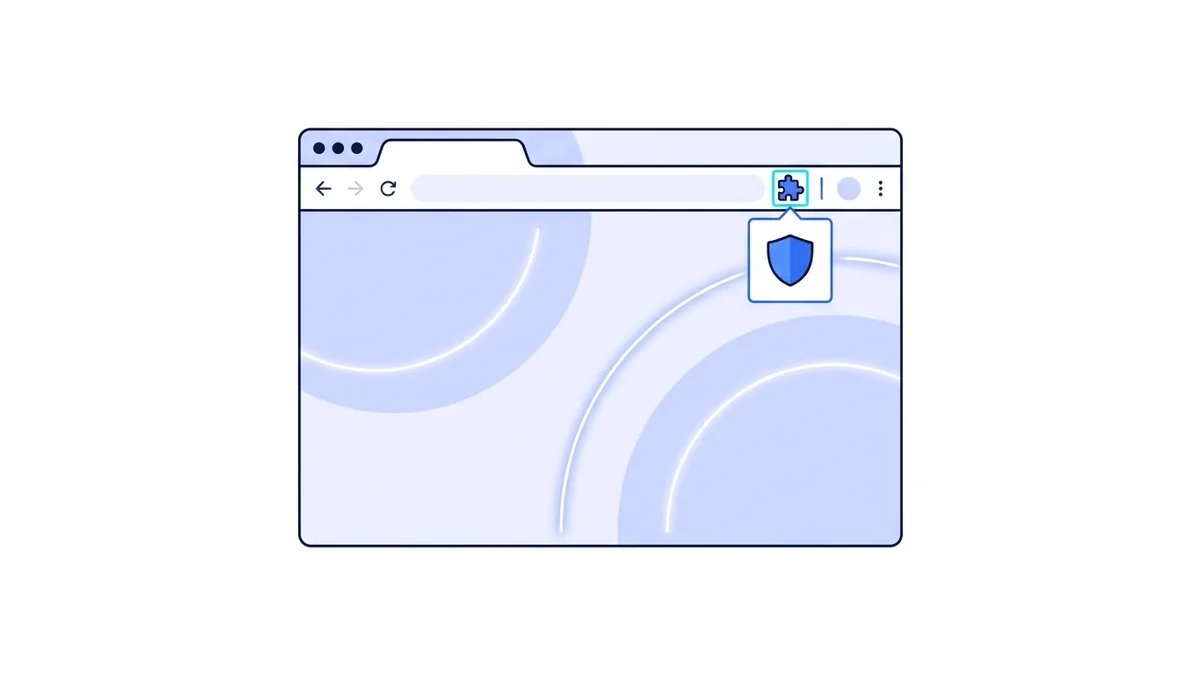
What the extension does, in plain terms
The vpn.now extension is a quick way to protect what you do inside Chrome. When it is on, your browser traffic travels through an encrypted connection to a vpn.now server, and the sites you open see our server's address instead of yours.
We want to be straight about its limit, because most "VPN extensions" are not: a browser extension can only protect traffic inside that browser. Anything outside Chrome, your email app, a game, an update checker, uses your normal connection. That is not a vpn.now shortcut; it is how browsers work. No extension on any service can build a system-wide tunnel. For your whole device, install the desktop app.
Good for
- Quick privacy while you browse in Chrome
- Hiding your IP address from the sites you open
- Switching location from the toolbar in a click
Not the right tool for
- Protecting apps outside the browser
- A device-wide kill switch
- Replacing the desktop app's full tunnel
Turn it on in three clicks
From a standing start: install, sign in, switch on.
- Add it from the Chrome Web Store and pin it to your toolbar.
- Sign in with your vpn.now account. The free plan works.
- Pick a location and flip the switch. Chrome traffic now routes through vpn.now.
Curious how a proxy differs from a full VPN? Our guide on VPN vs proxy explains it in plain language.
How the extension protects your browser, step by step
Here is what happens from the moment you switch it on, in plain terms.
1. You sign in
Open the extension and sign in with your vpn.now account. Only a sign-in token is kept in Chrome, never your password. This links the extension to your plan.
2. The encrypted path
When you flip the switch, Chrome sends its traffic through an encrypted proxy to a vpn.now server. The pages you open see our server's address, not yours.
3. DNS for browser requests
The lookups Chrome makes for the sites you visit go through the encrypted path too. So your network does not see those browser requests in the clear.
4. Switching location
Pick a different server from the toolbar and Chrome's traffic starts leaving from there. The change takes effect for new requests right away.
This covers Chrome only. To learn how a proxy differs from a full tunnel, read VPN vs proxy or what your ISP can see.
When to use the extension
- You only need privacy for what you do in Chrome
- You want to switch location fast from the toolbar
- You are on a shared computer and cannot install software
- You want to turn protection on and off per tab session
When to use the desktop app
- You want every app covered, not just the browser
- You need a device-wide kill switch
- You want one connection for email, games, and updates too
- You leave protection on all day
Get whole-device coverage with the Windows app or macOS app. The same account works on both.
Chrome extension questions
Does the extension protect my whole computer?
No. A browser extension can only protect traffic inside that browser. For every app on your device, install the desktop app for your platform.
Is it really a VPN?
It is an authenticated encrypted proxy for the browser. That is how every browser VPN extension works, because browsers do not let an extension create a system-wide tunnel. We say so plainly.
VPN for Chrome details · Download the desktop app · VPN vs proxy
Want whole-device protection?
The apps below cover everything, not just your browser.
See every option on the vpn.now apps overview, or set up by hand with the manual setup guide.