VPN for Travel: Protect Your Connection Anywhere You Go
When you travel, you connect to networks you do not control. Hotel Wi-Fi, airport lounges, and cafe hotspots all carry real risks a VPN is built to address. vpn.now encrypts your traffic and hides your IP before it leaves your device, on any network, in any country.
Free, with unlimited data. No card needed.
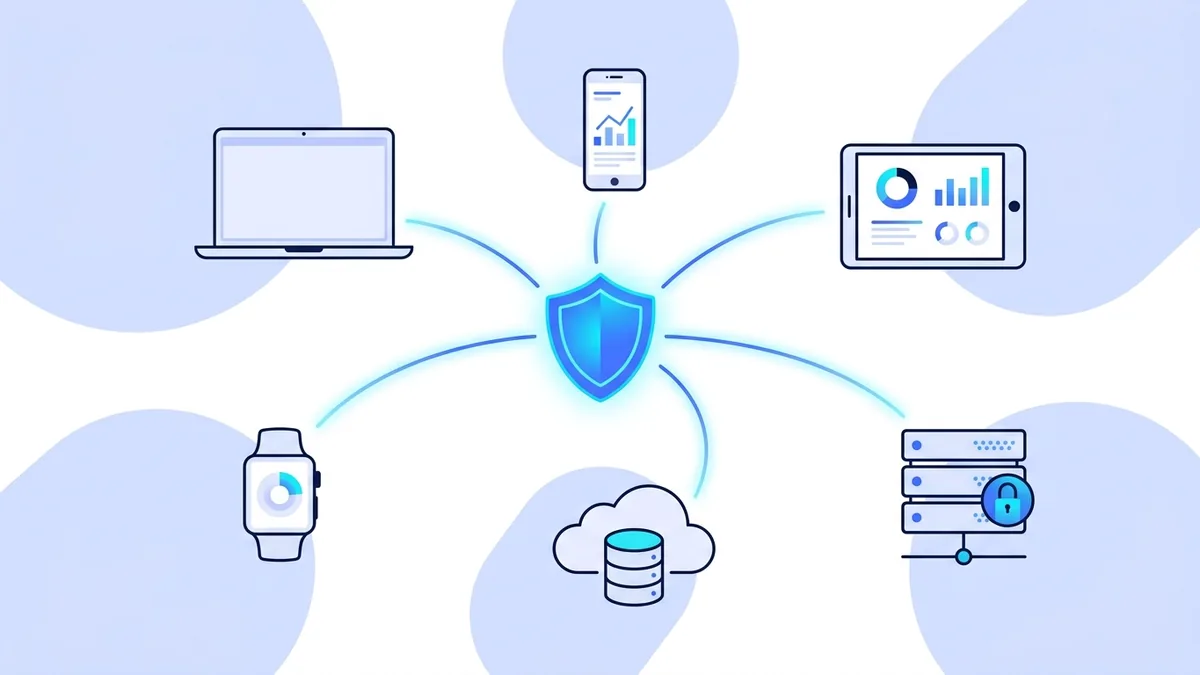
The real risks of connecting without a VPN while traveling
These are not theoretical scenarios. They happen to ordinary travelers every day.
Shared public networks
Hotel and airport Wi-Fi is shared with every other guest or passenger. On an open or poorly secured network, other users can use freely available tools to intercept unencrypted traffic. While HTTPS protects the content of most web requests, metadata including which sites you visit, when, and for how long remains visible to anyone monitoring the network. A VPN encrypts all of this.
Evil twin hotspots
An evil twin attack involves setting up a fake Wi-Fi access point with a name that looks legitimate, such as "Hotel_Guest" or "Airport_Free_WiFi". When you connect thinking it is the real network, the attacker controls your traffic. A VPN means your traffic is encrypted before it reaches the access point, so even a fake hotspot cannot read what you are doing. Read our evil twin hotspot guide.
Local network surveillance
The hotel, airport, or local internet provider at your destination can see which sites you visit. In some countries, ISPs are required to log browsing data. A VPN replaces that view with a single encrypted connection to one server. The local network sees only that you are connected to a VPN server. The sites you visit and what you do on them are not visible. See our article on what your ISP can see.
Home services blocking foreign IPs
Your bank, some streaming services, and certain work tools may detect that your IP is registered in another country and block access or flag the login as suspicious. Some banks send fraud alerts or lock accounts when a login comes from an unexpected country. Connecting through vpn.now routes your traffic through our New York server, so these services see a familiar US IP rather than your travel destination's IP.
Credential interception
Email logins, banking credentials, and work system passwords are all transmitted over the network when you log in. On a compromised or monitored network, these can be intercepted if they are not encrypted end to end. A VPN adds a layer of encryption that protects these credentials even on networks you do not fully trust. Our man-in-the-middle attack guide explains how this happens.
Work data on foreign networks
If you work during travel, your work emails, documents, and video calls carry sensitive business information. Routing work traffic over an unencrypted shared network is a real risk, particularly in countries with active surveillance of network traffic. A VPN encrypts all outbound traffic from your device, not just specific apps.
How a VPN protects you on the road
When you connect vpn.now, three things happen before any of your traffic reaches the internet:
- Your traffic is encrypted using a modern cryptographic protocol. Anyone monitoring the network between your device and our server sees only scrambled data.
- Your IP address is replaced with the IP of our New York server. Websites and services see our server's address, not yours.
- Your DNS queries are tunneled through the encrypted connection. The local network cannot see which domain names you are looking up.
This applies to all apps on your device, not just your browser. Your email client, messaging apps, banking apps, and any other software that uses the internet all benefit from the VPN connection.
For a complete explanation of how this works at a technical level, read our guide to how VPNs work and our article on whether HTTPS alone is enough.
Where vpn.now helps most during travel
Hotel Wi-Fi
Hotel networks are shared with every guest. Connect vpn.now before you open your email, banking app, or any work tool, and your traffic is encrypted from your device outward. This is effective regardless of whether the hotel network is properly secured, because the encryption happens before your traffic reaches the access point.
Airport lounges and terminals
Airport Wi-Fi is fast and convenient, and one of the most-watched networks you will ever use. A VPN limits what anyone on that network can see about your connection. This is particularly important when you are logging in to work systems, banking, or email in a busy public space.
Accessing your home bank from abroad
Banks often flag or block logins from unexpected countries. Connecting through our New York server means your bank sees a US IP address rather than the IP of your travel destination. Note that some banks also use device fingerprinting, so this may not work in every case. If your bank is particularly strict, call them before traveling to inform them of your travel dates.
Accessing home streaming from abroad
If your home streaming service shows different content or blocks access when you travel, connecting through vpn.now's New York server may restore your home catalog. Results depend on whether the service detects our server as a VPN. We cannot guarantee streaming access. See our streaming page for more detail on what to expect.
Business travel
Work email, video calls, and company tools carry sensitive information. Encrypting that traffic on an unfamiliar network is basic security hygiene. vpn.now works on all your devices with one account, so your laptop and phone are both covered without additional setup.
Cafe and co-working spaces
Remote workers often use cafes and co-working spaces abroad. These are shared networks by definition. Using a VPN means your work data, login credentials, and video calls are encrypted even on networks you have no control over. Use our app or our manual config to set up on any device.
Set up vpn.now before your next trip
Free account, unlimited data, no card required. Install the app on every device you are bringing and connect once at home to confirm it works before you travel.
Set up vpn.now before you leave, not at the hotel
The best time to install and test a VPN is before your trip, at home on a reliable connection. Installing a VPN in a hotel lobby on slow or unreliable Wi-Fi is frustrating and sometimes fails. A VPN app that downloads over a minute at home may time out repeatedly on congested hotel Wi-Fi.
- Create a free account at vpn.now/register. No card required.
- Download and install the app on every device you are bringing. See the apps page for all supported platforms.
- Connect once at home to confirm the VPN is working and your IP changes to our server.
- Check your IP at what-is-my-ip with the VPN connected to confirm it shows New York.
- At your destination, connect vpn.now before opening banking, email, or any sensitive app.
If you cannot install the app at your destination
Manual configuration is available. Our manual setup guide provides configuration files you can load directly into the built-in VPN client on Windows, macOS, Linux, iOS, and Android. No app installation required. This is useful on locked-down work devices or when app stores are restricted.
Does vpn.now work in countries with internet restrictions?
A VPN is legal in most countries, but some governments restrict or block VPN use entirely. Countries including China, Russia, Iran, and the UAE have varying levels of VPN restriction ranging from requiring government-approved VPNs to outright bans on unapproved services.
We do not make any claims about bypassing government censorship tools, internet filters, or national firewalls. vpn.now is not designed or marketed for circumventing government censorship, and we cannot guarantee it will work in countries that actively block VPN connections.
Before you travel to any country, research the VPN laws applicable there. Using a VPN in a country where it is restricted may carry legal consequences. For a plain-language overview of the global legal landscape, read our guide on whether a VPN is legal where you are.
What vpn.now is designed for
vpn.now is designed for everyday privacy: protecting your connection on shared networks, keeping your browsing private from your ISP, and hiding your IP from the sites you visit. Our single server is in New York. Connection behavior in countries with active VPN blocking will vary, and we are honest that we cannot guarantee connectivity in those environments.
Related tools and guides
VPN for Travel Guide
The complete guide to staying secure when traveling.
VPN on Public Wi-Fi
Why hotel and airport Wi-Fi is risky and how a VPN helps.
Evil Twin Hotspots
How fake Wi-Fi networks steal your data.
Man-in-the-Middle Attacks
How attackers intercept your traffic and what stops them.
Is a VPN Legal?
VPN laws by country: what you need to know before traveling.
What Is My IP?
Check your IP before and after connecting to confirm it works.
Regional pricing: what a VPN can and cannot change
Many websites show different prices depending on where they think you are. Flights, hotels, car rentals, and some subscriptions can vary by country, and part of how a site guesses your location is your IP address. Connecting through a server in another country changes that one signal, so it is reasonable to compare prices with and without the VPN before you book.
Be realistic about the limits. Sites also use your account history, the currency and country tied to your card, cookies, and your device language to decide what to show. A VPN only changes the IP-based part, so it does not guarantee a lower price, and a purchase still has to clear with your real payment details. We will not pretend a VPN unlocks secret discounts.
Used honestly, it is a quick comparison tool: clear your cookies, connect to a different server location, and check the price again. Our guide on what your network can see explains which signals travel with you and which do not.
Frequently asked questions
Is it safe to use hotel Wi-Fi with a VPN?
Will a VPN slow my internet while traveling?
Can I access my home bank from another country with vpn.now?
Is vpn.now free to use while traveling?
What happens if the VPN disconnects while I am abroad?
How do I set up vpn.now before a trip?
Ready to travel with better protection?
Set up vpn.now before your next trip. Free, with unlimited data and no card required. Works on every device you bring.
Also see: what the free plan includes, server locations, manual setup, check your IP, VPN for gaming.