Where our VPN servers are
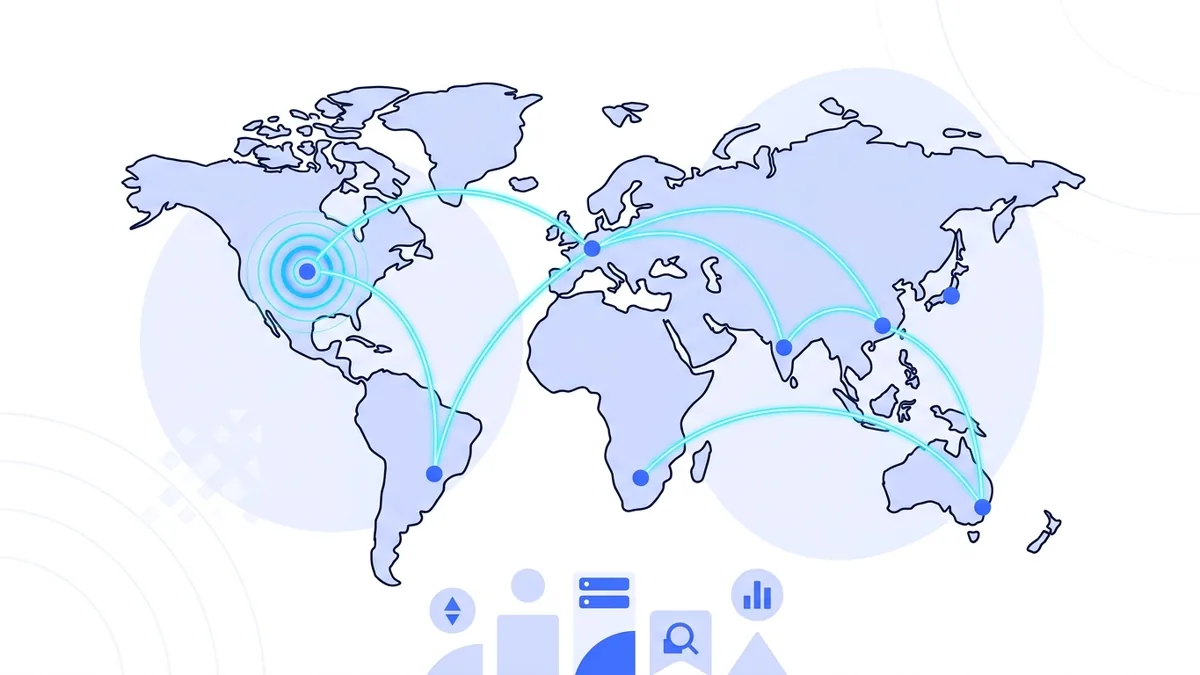
Connect through 1 server in 1 country. Every location runs our VPN protocol.
How to choose a VPN server location
The best location depends on what you are doing. Start close, check the load, and change only when another location has a practical advantage.
Start with the nearest server
A shorter network route usually means less delay. For browsing, calls, and downloads, choose the closest available city unless you have a reason to appear elsewhere.
Compare distance with load
A nearby server under heavy load can be slower than a slightly farther server with room available. Use the load indicator as a practical second check, not as the only decision.
Match the location to the task
A server changes the IP address websites see. It does not guarantee that a bank, stream, game, or other service will accept that address. Check the service's rules and keep expectations realistic.
What a VPN server location changes
When you connect, vpn.now encrypts traffic between your device and the selected server. Websites then receive the server's public IP address instead of the one assigned to your device. The city and country associated with that server become the approximate location those sites detect.
A location does not change your account country, GPS position, browser language, cookies, or details you give to a website. Those signals can still identify you or indicate a different region. A VPN location is one privacy and routing choice, not a new identity.
If speed matters most, read the VPN server location guide. If a connection fails, check live server status before changing app or network settings, then use the VPN server help guides to compare status, load, and location choices.
Browse all server locations
| Location | Region | Protocols | Load | Status |
|---|---|---|---|---|
| New York, United States | North America | Modern protocol | online |
What you get from every location
The same protocol, live load data, and around-the-clock monitoring on every server.
Every server runs our VPN protocol
One protocol on every location, so you never have to pick a server based on protocol support.
Live load indicators
The load meter shows how busy each server is right now. Our guide on choosing a server location explains how to pick a fast one.
Health checked around the clock
We monitor every server continuously. See the server status page for last health check times.
How the server network is protected
A location is only one part of a VPN connection. The protocol, server controls, data practices, and connection checks matter too.
VPN Protocol
See how devices establish the encrypted route to a vpn.now server.
Security
Review the protections that are live and the work still on the roadmap.
Transparency
Read what operational data is kept, what is not collected, and for how long.
Verify the Connection
Connect to a server, then check the public IP, WebRTC, and IPv6 result.
Connect to any location for free
Every free account includes the full server network. No card needed.
Get started free