Obfuscated VPNs: Getting Through VPN Blocks
Key points
- Networks detect VPNs by ports, handshake shape, packet patterns, and known server IPs.
- Obfuscation disguises the tunnel as ordinary encrypted web traffic without weakening the encryption inside.
- Stealth modes usually run over TCP on a web port, which passes blocks but is slower than UDP.
- Use obfuscation only when a normal connection is blocked, since it costs speed.
On this page
A VPN tunnel is supposed to be private, but it is not invisible. Networks can often tell that you are using a VPN, even when they cannot read what is inside. Some of them act on that knowledge and block the connection entirely. Obfuscation is the answer to that problem.
This is a different goal from normal encryption. Encryption hides the contents of your traffic. Obfuscation hides the fact that you are using a VPN at all. The two work together, and understanding the difference helps you pick the right setting when a connection refuses to come up.
If the basics of tunnels are still fuzzy, our guide on how VPNs work is a good warm-up before this one.
How Networks Detect a VPN
A network does not need to break your encryption to know you are using a VPN. It watches the outside of the traffic and looks for telltale patterns. Several signals give a tunnel away.
- Known ports. Some VPN protocols default to specific port numbers. Traffic on those ports is an easy first guess.
- Handshake shape. The opening exchange of a VPN connection has a recognizable structure. Deep packet inspection can match it even without reading the payload.
- Packet timing and size. Tunneled traffic often has a steady, machine-like rhythm that differs from ordinary browsing.
- Known server addresses. Networks keep lists of IP addresses that belong to VPN providers and block anything heading to them.
Deep packet inspection, often shortened to DPI, is the technique behind most of this. It examines the metadata and structure of each packet rather than just the address on the envelope. That is how a firewall can say "this looks like a VPN" with no access to your actual data.
What Obfuscation Does About It
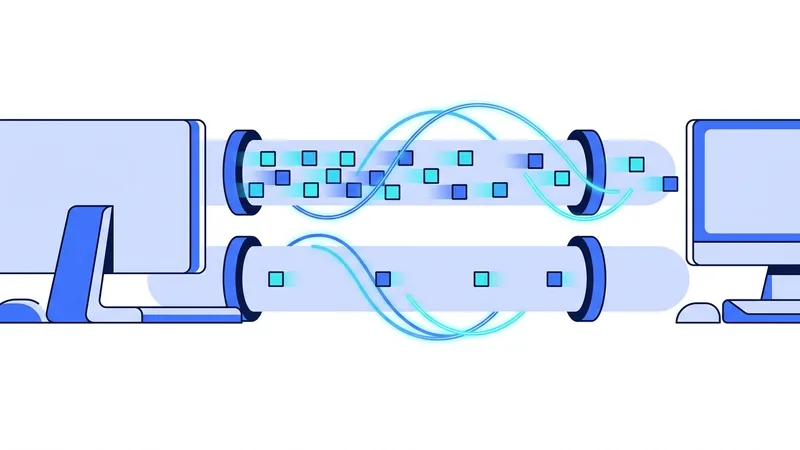
Obfuscation, sometimes labeled stealth mode, makes your VPN traffic blend in. The goal is for an observer to see something that looks like ordinary encrypted web traffic, the same kind that flows when you visit any secure website.
There are a few common techniques, and providers mix them.
The simplest is wrapping the tunnel in an extra layer that scrambles its recognizable handshake. The DPI system looks for a known VPN pattern and finds noise instead. Another approach routes the traffic over the same port that secure websites use, so it sits in the same lane as everything else and is hard to single out. More advanced methods imitate the exact behavior of normal web traffic, matching its timing and shape so the connection hides in the crowd.
None of these change what is inside your tunnel. Your data stays encrypted exactly as before. Obfuscation only changes how the outside of that traffic looks to a watching network.
Where UDP and TCP Come In
The transport your VPN uses plays a big role in getting through blocks, and this is where obfuscation ties directly to a choice you may already know about.
Fast modern protocols run over UDP, which is lightweight and quick. The problem is that some restrictive networks block UDP traffic they do not recognize, or treat unusual UDP flows as suspicious. When that happens, a plain UDP tunnel simply will not connect.
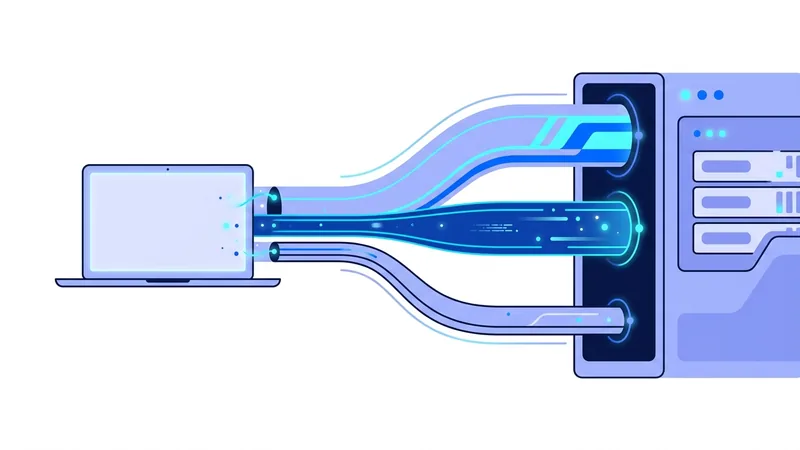
TCP is the workhorse of the web. When obfuscation routes your tunnel over TCP on the same port that secure websites use, the traffic looks like normal browsing and usually passes. The cost is speed, because carrying a tunnel inside TCP adds overhead. Our guide on UDP versus TCP for VPNs walks through this tradeoff in plain terms.
| Situation | Best transport | Why |
|---|---|---|
| Open home network | UDP | Fastest, nothing is blocking the tunnel |
| Hotel or campus blocking UDP | TCP with obfuscation | Blends with normal secure web traffic |
| Network using deep packet inspection | Obfuscation on TCP | Hides the recognizable VPN handshake |
| Network that blocks known VPN IPs | Obfuscation plus a fresh server | Disguise plus an unlisted address |
When You Actually Need It
Most people on most networks never need obfuscation. An open home connection lets a fast UDP tunnel run without complaint, and adding stealth would only slow you down for no benefit.
Obfuscation earns its keep on restrictive networks. Some hotels, offices, campuses, and public hotspots block VPN traffic to enforce their own rules. Travelers also run into national networks that filter heavily. In those places, a stealth connection over TCP is often the difference between a working tunnel and a dead one.
Tip: only switch on obfuscation when a normal connection fails. It costs speed, so use it as the fix for a blocked network, not as your everyday setting.
What Obfuscation Will Not Do
Be honest with yourself about the limits. Obfuscation hides that you are using a VPN from the network you are on. It does not make you anonymous, and it does not change what your accounts and cookies reveal about you. The privacy boundaries in our VPN security guide still apply in full.
It is also not a magic skeleton key. Detection methods improve, and so do disguises, so this is an ongoing back and forth rather than a solved problem. A connection that obfuscation gets through today might need a different server or setting tomorrow. And on a network that blocks specific server addresses, you may need to combine obfuscation with a different server location to find one that is not on the block list.
Finally, obfuscation does not change the law. VPN use is legal in most places, but a few countries restrict it. Disguising the traffic does not alter which rules apply to what you do online.
The other ways networks block VPNs
Spotting VPN traffic is only one tool a network has. Even if your connection looks normal, a network can shut you out in other ways. It helps to know what they are, because each one calls for a different fix. Often a block is not just one wall but a few stacked together.
Here are the common methods beyond reading your traffic, and how people work around each one:
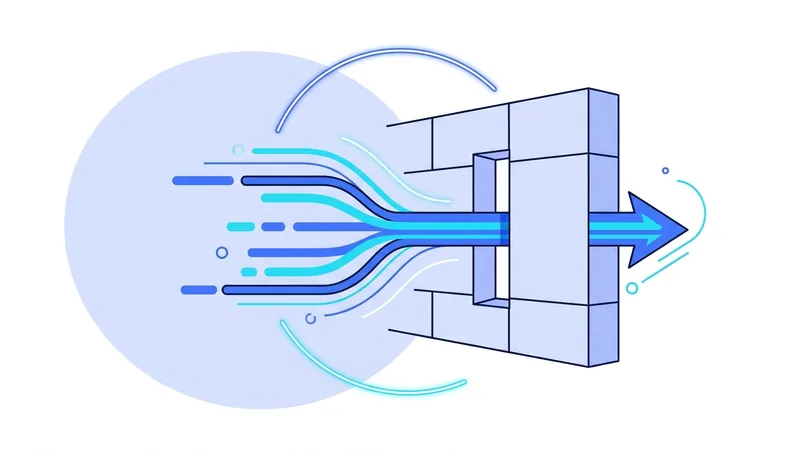
- Port blocking. Every connection uses a numbered door called a port. Some networks shut the doors that VPNs tend to use. The usual answer is to send the connection through TCP port 443, the same door that normal secure websites use. Closing it would break regular web browsing, so most networks leave it open.
- DNS blocking. A network can block the web address of a VPN's site so you cannot reach it to sign up or download the app. You can get around this by installing the app before you travel or before the block goes up, or by reaching the service through an alternate address.
- IP blocklists. A network, or a streaming service, can keep a list of known VPN server addresses and refuse them. Switching to a different or less-used server often gets you a fresh address that is not on the list yet.
- Deep packet inspection. This looks closely at the shape and pattern of your traffic to guess that a VPN is in use. This is the piece that obfuscation is built to handle, by making the traffic look ordinary.
The honest takeaway is that blocks come in layers. Getting through can take more than one trick at the same time, and tricks that work today may stop working later. A network that really wants to keep VPNs out, and is willing to break some normal traffic to do it, can still win. vpn.now can improve your odds, but it cannot promise to beat every block.
Summary
- Networks detect VPNs by their ports, handshake shape, packet patterns, and known server addresses, often using deep packet inspection.
- Obfuscation disguises the tunnel as ordinary encrypted web traffic without changing the encryption inside.
- It usually relies on TCP over a common web port, which passes blocks but is slower than UDP.
- You need it mainly on restrictive networks, not on open home connections.
- It does not make you anonymous, defeat cookies, or change the law. Use it as a fix for blocked networks.