Why You Should Use a VPN on Public Wi-Fi
Key points
- The real public Wi-Fi threats are fake hotspots, network snooping, and tampered login portals.
- HTTPS protects page content, but the network still sees which sites you visit and when.
- A VPN wraps all traffic, including DNS, into one encrypted stream the network cannot read.
- Turn on auto-connect and a kill switch; a VPN still cannot stop phishing or malware.
On this page
- Why Public Wi-Fi Is Different From Home
- Attacks That Actually Happen
- Does HTTPS Already Protect You?
- What a VPN Adds on Public Networks
- What a VPN Cannot Fix
- Is Mobile Data a Better Option?
- A Simple Routine for Public Wi-Fi
- Stop Your Phone and Laptop From Auto-Joining Open Networks
- Summary
- Frequently asked questions
Free Wi-Fi is everywhere: cafes, airports, hotels, trains. It is convenient, and most of the time nothing bad happens. But public networks have a built-in problem. You are sharing infrastructure with strangers, and you have no idea who set it up or who else is on it.
The risks are not movie hacking. They are mundane and practical: fake hotspots with trusted names, snooping on what the network can see, and tampered login pages. None of them require special skill anymore, because the tools are point and click.
This article explains what can actually go wrong on public Wi-Fi, what modern HTTPS already protects, and what a VPN adds on top. If you are not sure what a VPN is in the first place, our beginner's guide to VPNs is the place to start.
Why Public Wi-Fi Is Different From Home
At home, you control the router, you set the password, and you know who is on the network. On public Wi-Fi, all three of those are unknown. The owner of the network can see metadata about every device connected to it. Other guests share the same network segment. And nothing stops anyone from creating a network with any name they like.
That last point is the core issue. Wi-Fi names are not verified by anyone. A network called "Airport_Free_WiFi" might belong to the airport, or to the person three seats away with a pocket-sized router.
Even a perfectly honest venue network has weak spots. The router may not have been updated in years, the password may be printed on the wall for everyone, and the network gear sits where staff and guests can reach it. None of that means an attack is happening. It means the conditions for one are always present.
Attacks That Actually Happen
Evil twin hotspots
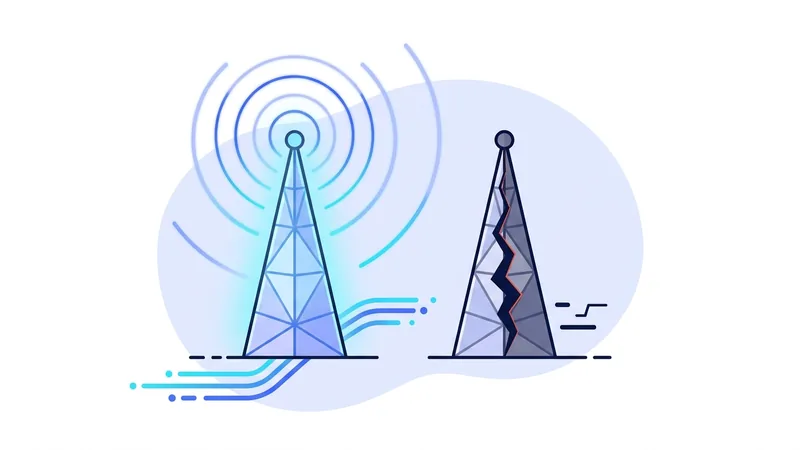
An attacker sets up a hotspot with the same name as the venue's real network, often with a stronger signal. Your phone may even join it automatically if it remembers the name. Once you are on it, the attacker sits between you and the internet. They cannot break HTTPS encryption, but they control DNS, see connection metadata, and can redirect you to fake pages.
Snooping on open networks
On networks with no password, traffic between your device and the access point may not be encrypted at the radio level at all. Anyone nearby with free software can capture it. Encrypted sessions stay protected inside, but plain traffic, including many DNS lookups, is readable.
Tampered captive portals
Those login pages that ask for your email or room number are a natural place for tricks. A fake portal can imitate the real one and harvest whatever you type, or push you toward a bogus "network security app" download.
Does HTTPS Already Protect You?
Mostly, and it is worth being honest about that. Nearly every major website now uses HTTPS, which encrypts the content of your session with each site. An attacker on the network cannot read your messages or grab your passwords from inside an HTTPS session. This is why casual browsing on public Wi-Fi rarely ends in disaster, and any honest security article should say so plainly.
But HTTPS protects the content of each connection, not the picture around it. Here is what an observer on the network can still learn:
| Information | HTTPS alone | HTTPS plus VPN |
|---|---|---|
| Content of pages and messages | Hidden | Hidden |
| Which sites you visit (DNS and connection metadata) | Visible to the network | Hidden from the network |
| Which apps on your device call home | Often visible | Hidden from the network |
| Traffic from apps with weak or missing encryption | Exposed | Encrypted in the tunnel |
| Your traffic patterns and timing on the network | Visible | Reduced to one encrypted stream |
What a VPN Adds on Public Networks
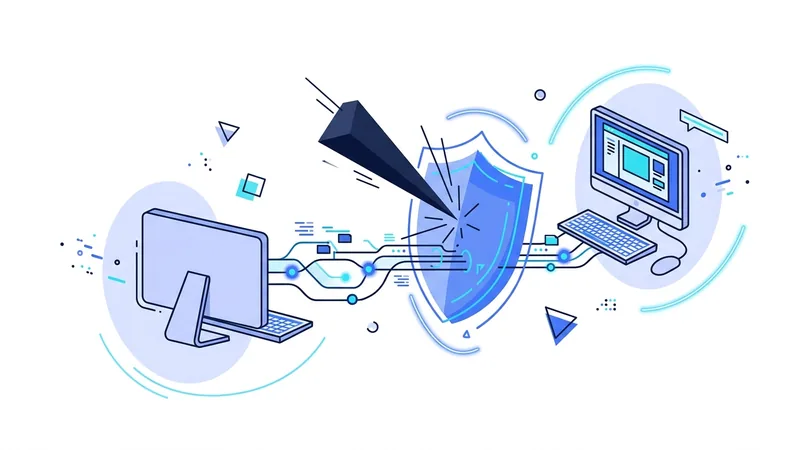
A VPN wraps everything your device sends inside one encrypted tunnel before it touches the Wi-Fi. The network owner, the stranger with capture software, and the evil twin operator all see the same thing: a single encrypted stream to one server. Site names, app traffic, and DNS lookups travel inside it.
That last piece deserves attention. DNS is how your device asks "where is this website?", and on public Wi-Fi those questions normally go to whatever resolver the network provides. A VPN moves them into the tunnel. Our DNS leak guide shows how to confirm this is working.
Two settings make this protection reliable. Auto-connect tells the app to start the tunnel whenever you join an unknown network, so you cannot forget. And a kill switch blocks traffic if the tunnel ever drops, so your device does not quietly fall back to the open network. We explain the second one in our kill switch guide.
Tip: turn on auto-connect for untrusted networks and the kill switch before your trip, not at the airport. Settings you configure calmly at home are the ones that protect you when you are rushed.
What a VPN Cannot Fix
Honesty matters here. A VPN does not make a fake captive portal honest. If you type your details into a phishing page, encryption does not help, because you handed the data over yourself. A VPN does not block malware downloads, and it does not stop someone reading your screen over your shoulder on a train.
It also cannot verify which Wi-Fi network is real. It makes joining the wrong one far less damaging, since the attacker sees only encrypted traffic, but spotting suspicious networks is still on you. For the bigger picture of what encryption can and cannot do, see our guide to VPN security.
Is Mobile Data a Better Option?
Sometimes, yes. Your phone's mobile data connection is encrypted between the phone and the carrier's tower, and strangers cannot join it the way they join a Wi-Fi network. For a quick banking check when you do not trust the local Wi-Fi at all, switching to mobile data or your own hotspot is a reasonable move.
It is not a complete answer, though. Mobile data can be slow or expensive abroad, laptops often need Wi-Fi anyway, and your carrier still sees the sites you visit, just as a home internet provider would. A VPN over public Wi-Fi and a VPN over mobile data both give you the same encrypted tunnel. The point is to have the tunnel, whichever network carries it.
A Simple Routine for Public Wi-Fi
- Ask staff for the exact network name instead of guessing from the list.
- Join the network and complete the captive portal if there is one.
- Connect your VPN before you open a browser or any apps. Pick a nearby city from the server list for the best speed.
- Check that the kill switch is on.
- Do what you came to do. With the tunnel up, normal browsing, email, and banking apps are reasonable to use.
- When you leave, tell your device to forget the network so it will not auto-join a lookalike later.
Stop Your Phone and Laptop From Auto-Joining Open Networks
Here is a risk most people never think about. Your phone and laptop remember networks you have joined before, and they often reconnect on their own the moment a familiar name comes back in range. To save you a few taps, your device may also jump onto open networks that look common, like "Airport Free WiFi" or "Coffee Guest." An attacker knows this. They set up a fake hotspot, give it a name people see everywhere, and wait for nearby devices to connect without anyone tapping a thing. You may not even know you joined it.
The good news is that the defense lives in your device settings, and it takes a few minutes to set up. Build these habits:
- Turn off auto-join for open or public networks so your device does not connect by itself.
- Set your phone and laptop to ask before joining any new network, so you stay in control of each connection.
- Forget networks you no longer use, like a hotel or airport you visited once, so your device does not silently reconnect to a copycat later.
- Turn Wi-Fi off when you are not using it, so your phone is not constantly probing the air for names it remembers.
One important point. These settings stop silent connections, but they do not scramble your traffic. Once you actually do connect to public Wi-Fi on purpose, turn vpn.now on before you start browsing or signing in. The settings above decide what your device joins. vpn.now protects what you send after you join. You want both working together, not one or the other.
Summary
The short version of public Wi-Fi safety:
- Public networks are risky because anyone can run one and anyone can join one.
- The realistic threats are evil twin hotspots, network snooping, and tampered portal pages.
- HTTPS protects session content, but the network still sees which sites you visit and when.
- A VPN encrypts everything, including DNS, into one stream the network cannot read.
- Auto-connect and a kill switch turn the VPN from a habit into a guarantee.
- A VPN does not stop phishing, malware, or shoulder surfing. Stay alert for those.